
Help center › Houses
Join a house
Join with an invite, or with the house code.
If you were invited: open Houses → Invites, read the house terms and accept.
If you have a code:
- On Houses, tap Join with a code.
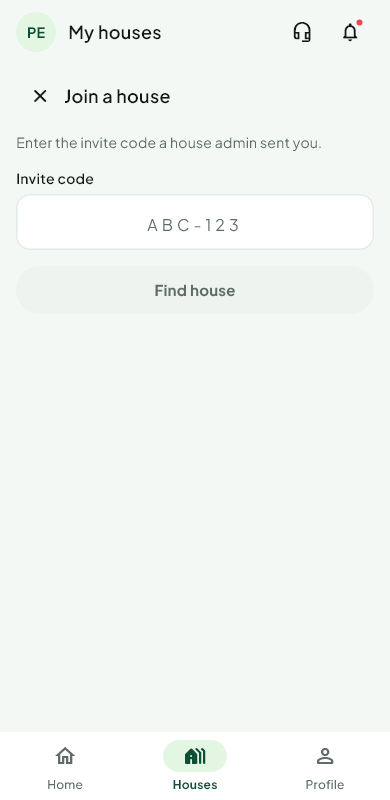 2. Type the code. You see the house, the contribution and the turns still free.
3. Tap Join. Some houses let anyone with the code in at once. Others send a request to the organiser, who approves or declines; we tell you either way.
4. Sign the house agreement if the house asks for one.
Was this helpful?
Thank you for telling us.
Still stuck? Write to Support