
Help center › Getting started
Set your security PIN
Your PIN protects every payment from your Njangi Pocket.
Money leaves your Njangi Pocket only with your PIN.
- Go to Profile → Security → PIN.
- Choose a PIN and type it again to confirm.
- Never share it. Njangi Estate staff never ask for it.
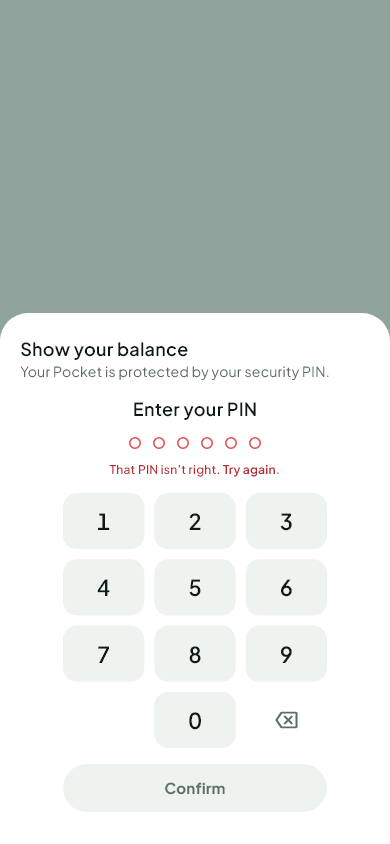
Wrong PIN? After 5 wrong tries your Pocket is locked for a while to protect you.
Forgot it? In Security, choose Forgot PIN. We send a code by SMS, then you choose a new PIN.
Was this helpful?
Thank you for telling us.
Still stuck? Write to Support