
Help center › Moving a njangi
Move a njangi you already started
Keep your turns and continue on the app.
The organiser does this once.
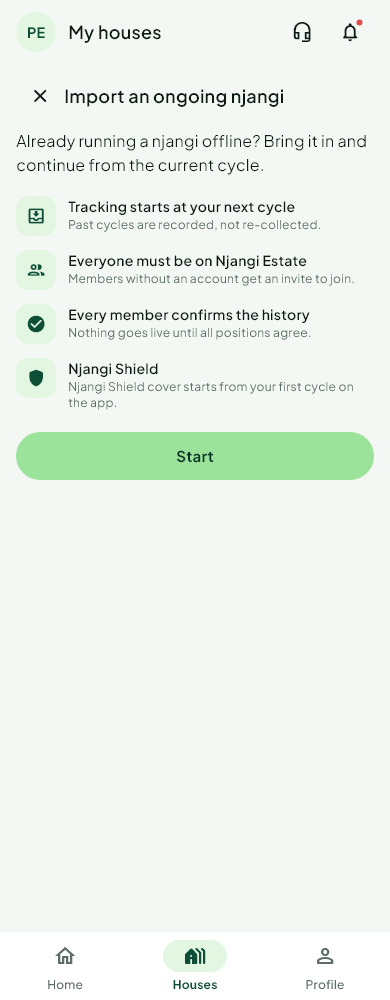
- On Houses, tap Move a njangi.
- Enter the contribution, how often you pay, the number of members and how many rounds are already done.
- For each turn, add the member by @username or by phone number, and say whether they already collected.
- A member added by @username is placed at once.
- A phone number is notified. The turn is filled when that person accepts.
- Send it. Each member checks their own history (see Confirm or dispute your history).
When everyone has confirmed, the house goes live and the remaining rounds run on Njangi Estate.
Was this helpful?
Thank you for telling us.
Still stuck? Write to Support