
Help center › Account & security
Change your username
Your @username is how people invite you.
- Go to Profile → Personal details → Username.
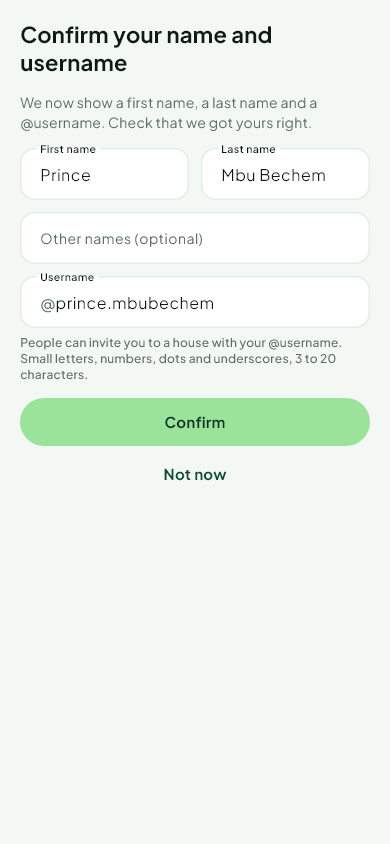 2. Type the new username: small letters, numbers, dots and underscores.
3. We tell you at once if it is free. Tap Change username.
You can change it once every 30 days. Your old username is kept aside for 30 days so that nobody can use it to pass for you.
Some names are not available, such as names that look like Njangi Estate or its staff.
Was this helpful?
Thank you for telling us.
Still stuck? Write to Support